

Keszoox
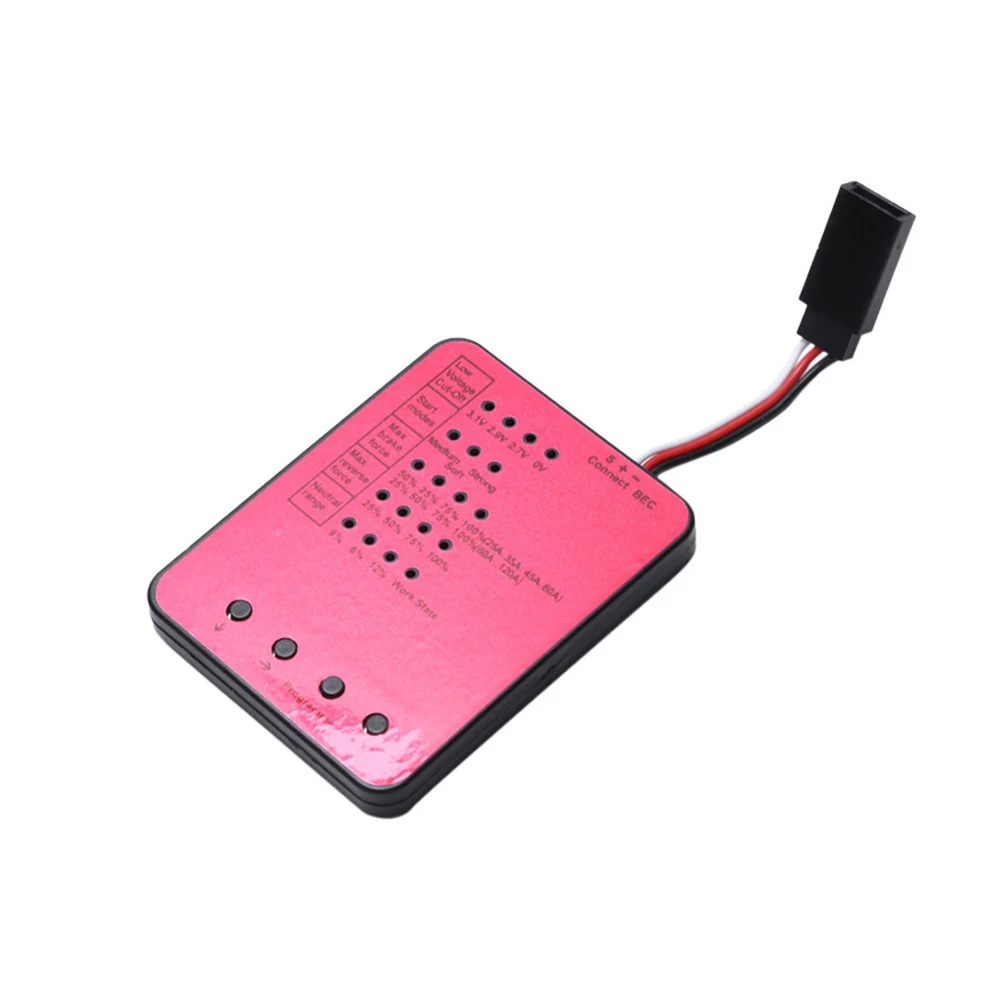
Rogramming Card For Electronic Speed Controller Travel Settings LED Indicator Compatible With Multi ESC 61486mm
Rogramming Card For Electronic Speed Controller Travel Settings LED Indicator Compatible With Multi ESC 61486mm

Couldn't load pickup availability
SPECIFICATIONS
Brand Name: Keszoox
High-concerned chemical: None
Origin: Mainland China
Features:
Multi-ESC Compatibility: Designed to be compatible with a variety of ESCs, versatility.
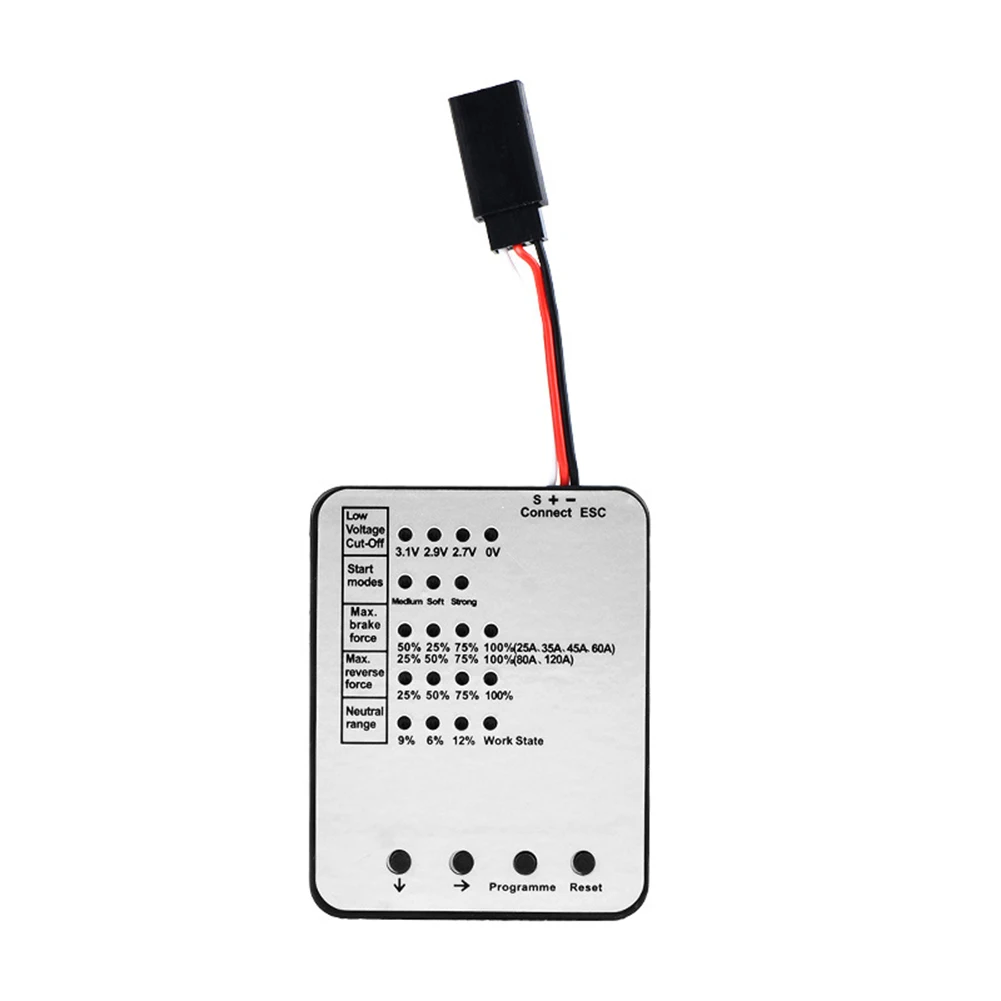
Easy Operation with LED Indicators: Features LED indicators for clear display of project selection and programming status.
Programmable Low Voltage Detection: Includes 4 low voltage detection levels (3.1V-2.7V) for precise for power monitoring.
Adjustble Reverse Force: Allows for 4 selectable reverse force levels (25%-100%) for customized performance.
Super Pass | Multi-Function Braking Force Control: Offers 5 customizable braking force settings (25A-100%) to meet various remote control needs.
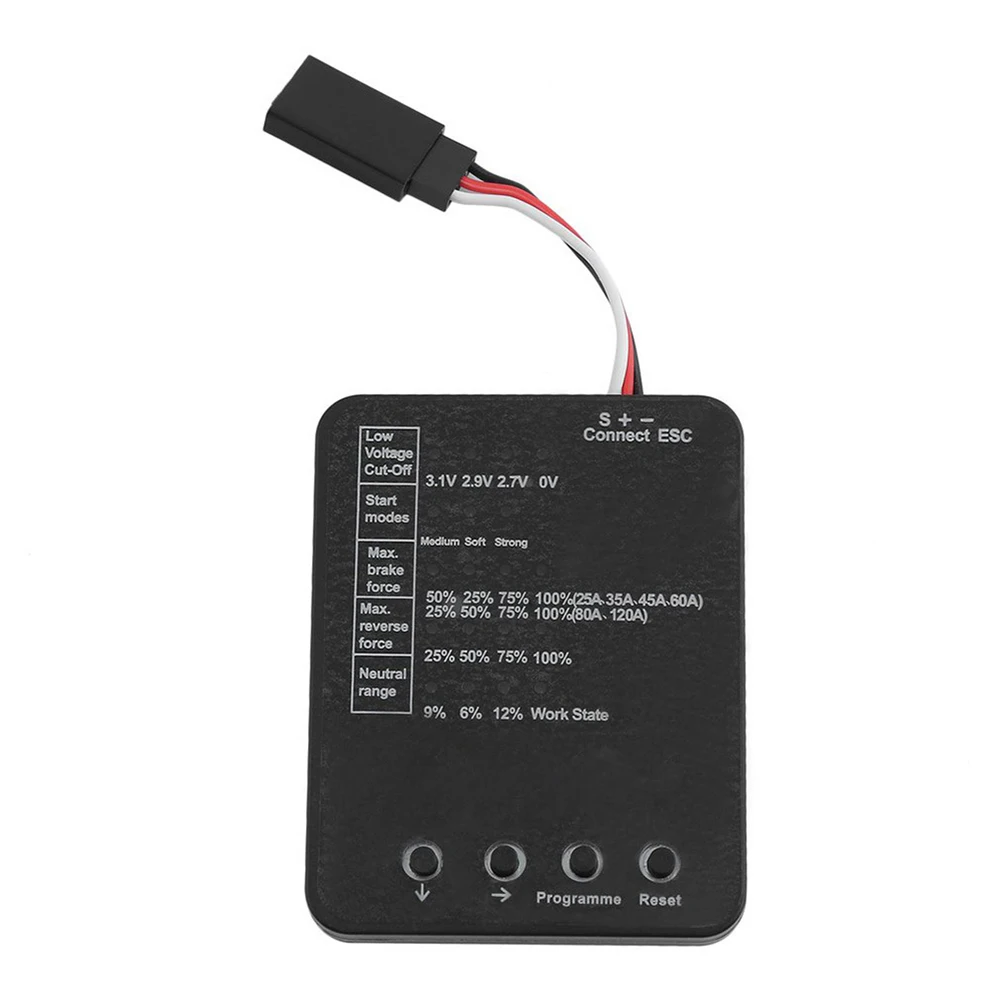
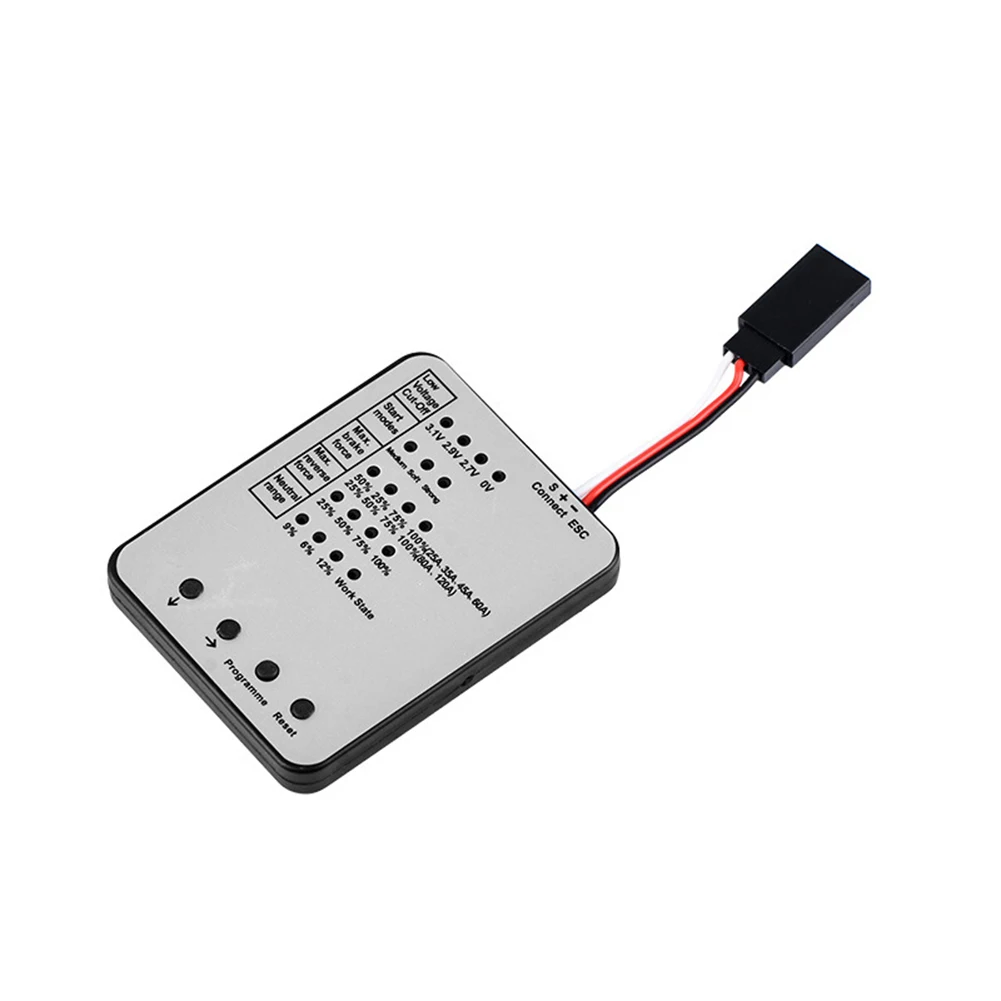
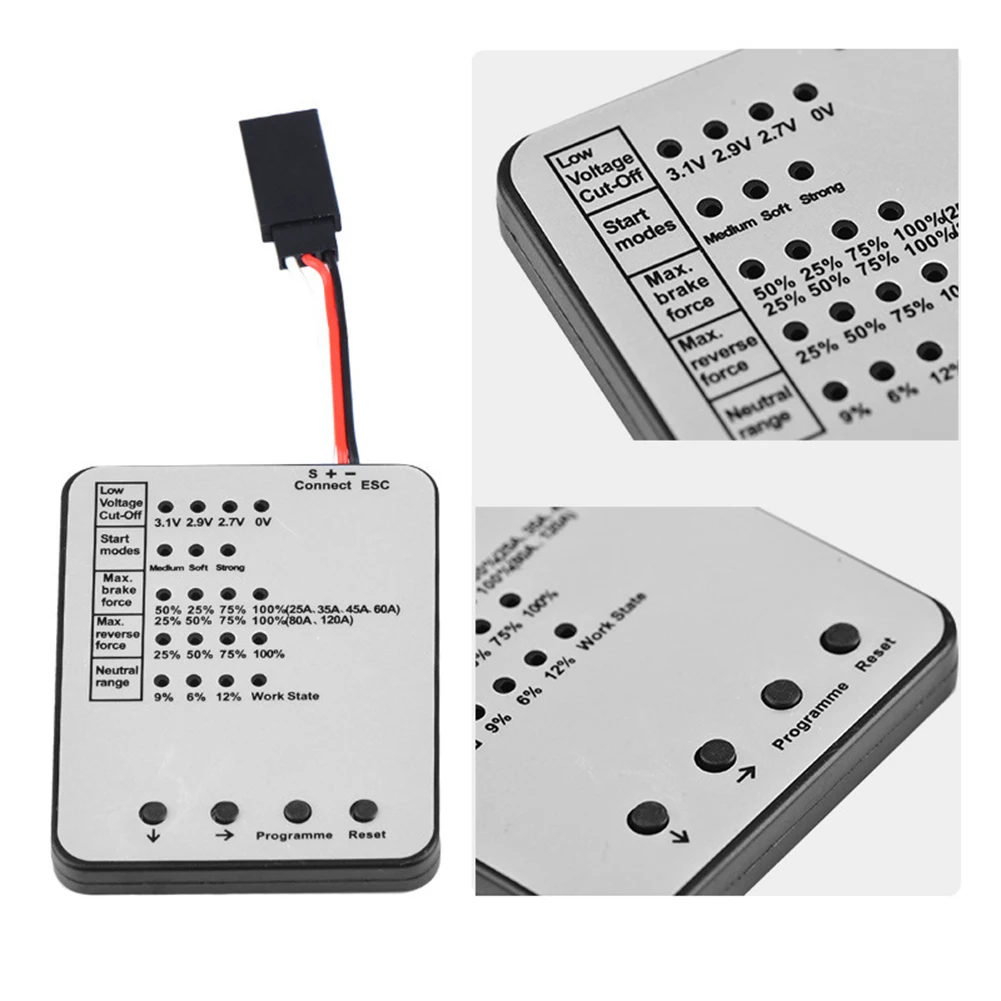
1: Low Voltage Detection: 3.1V, 2.9V, 2.7V, No Detection.
2: Start-up Modes: Normal, Gentle, Violent.3: Maximum Braking Force: (25A, 45A, 60A) 50%, 25%, 75%, 100% (default 50%). (80A, 120A) 25%, 50%, 75%, 100% (default 25%).
4: Maximum reversing force: 25%, 50%, 75%, 100% respectively.
5: Center point width: 9%, 6%, 12% respectively.
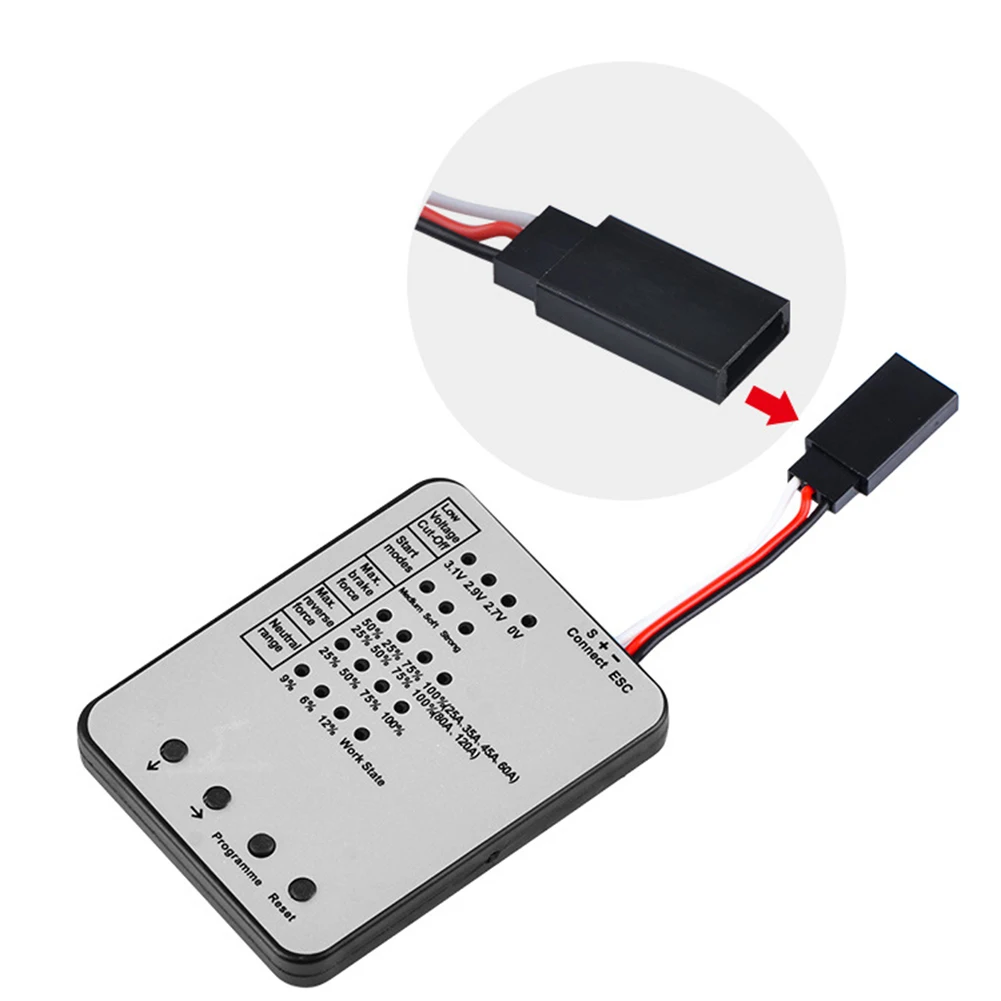
6: Connect the BEC connection wires according to the color direction.
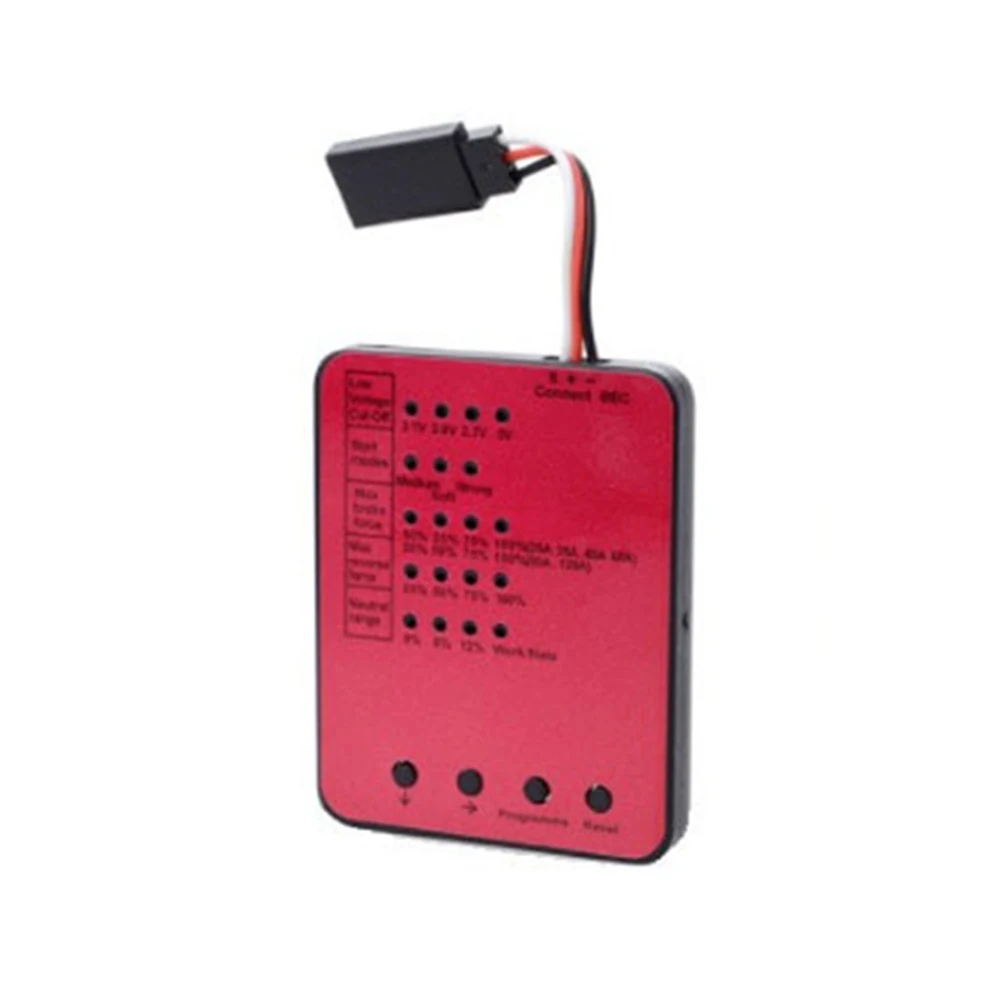
7: 1-5 in red above represent the ESC manufacturer's default settings.
Programmer Operation Instructions:
a) Connect the ESC's BEC wire to the programmer, following the color direction shown in the diagram above (black ground wire to the right).
b) Connect the ESC's power supply and turn on the power switch (for 80A and 120A, press and hold the ESC button).
c) When the green programming LED on the programmer flashes twice and then stays on, it indicates a successful connection between the ESC and the programmer. When the programming LED turns off again, it means the programmer has read the current programming parameters of the ESC and displayed them on the corresponding LED in the relevant item. Otherwise, the connection has failed.
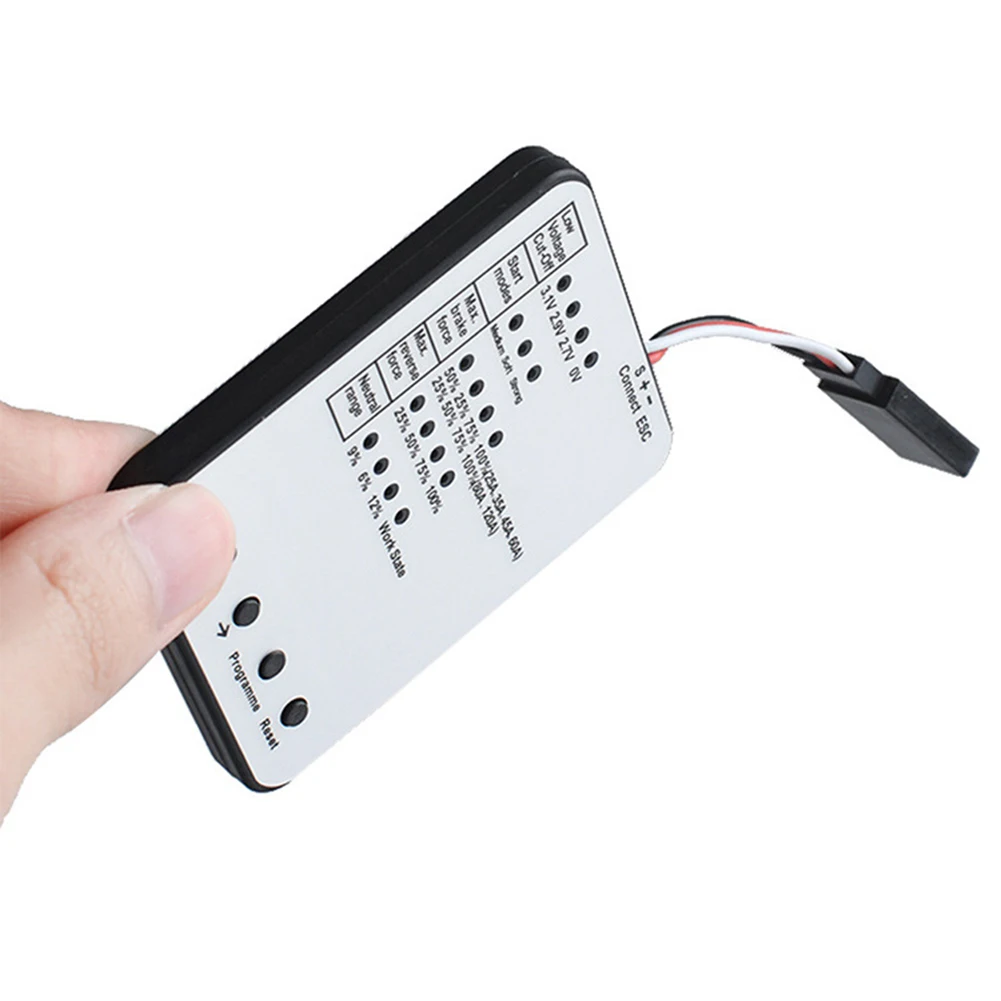
d) Press the down arrow key on the programmer to select different programming items. The corresponding LED for the item will light up sequentially, indicating the currently item.
e) Press the right arrow key on the programmer to select the content to be set from the currently item. The content's LED will light up.
f) Repeat steps d and e to select all the content to be set.
g) Press the programming button on the programmer to program the above settings onto the ESC. The programming LED will light up when programming begins and turn off after more than 5 seconds, indicating successful programming. Otherwise, programming has failed (power off and reprogramming).
Pressing the factory reset button on the programmer will restore the ESC to its factory default settings. The programming LED will light up when programming begins and turn off after more than 5 seconds, indicating successful programming. Otherwise, programming has failed (power off and reprogramming).
Specifications:
Product Name: LED ESC Programming Card
Material: Plastic, Metal
Color: Red, Black, Gray
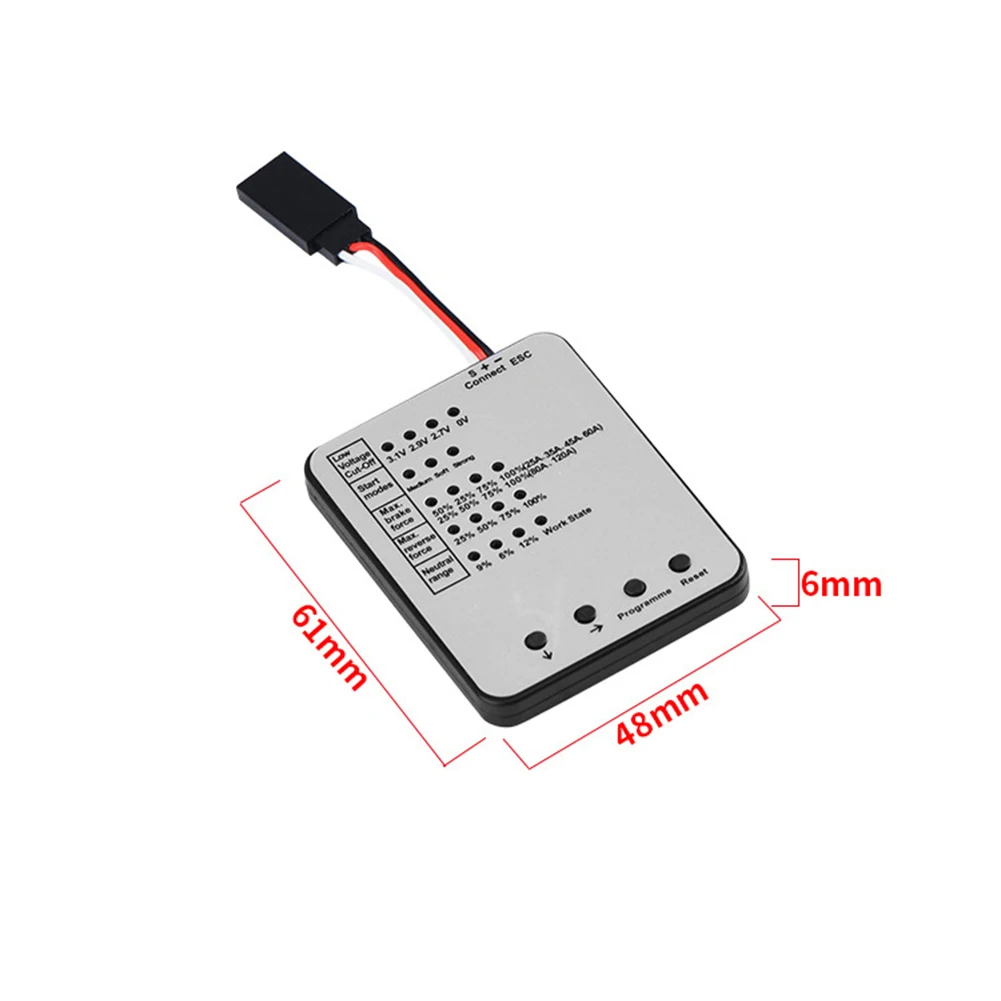
size: 61*48*6mm
Package Content:
1*LED ESC Programming Card
Note:
1. The actual color of the item may be slightly different from the pictures shown on the website due to various factors such as the brightness of your monitor and ambient light.
2. Please allow slight manual measurement deviation for the data.