Keszoox
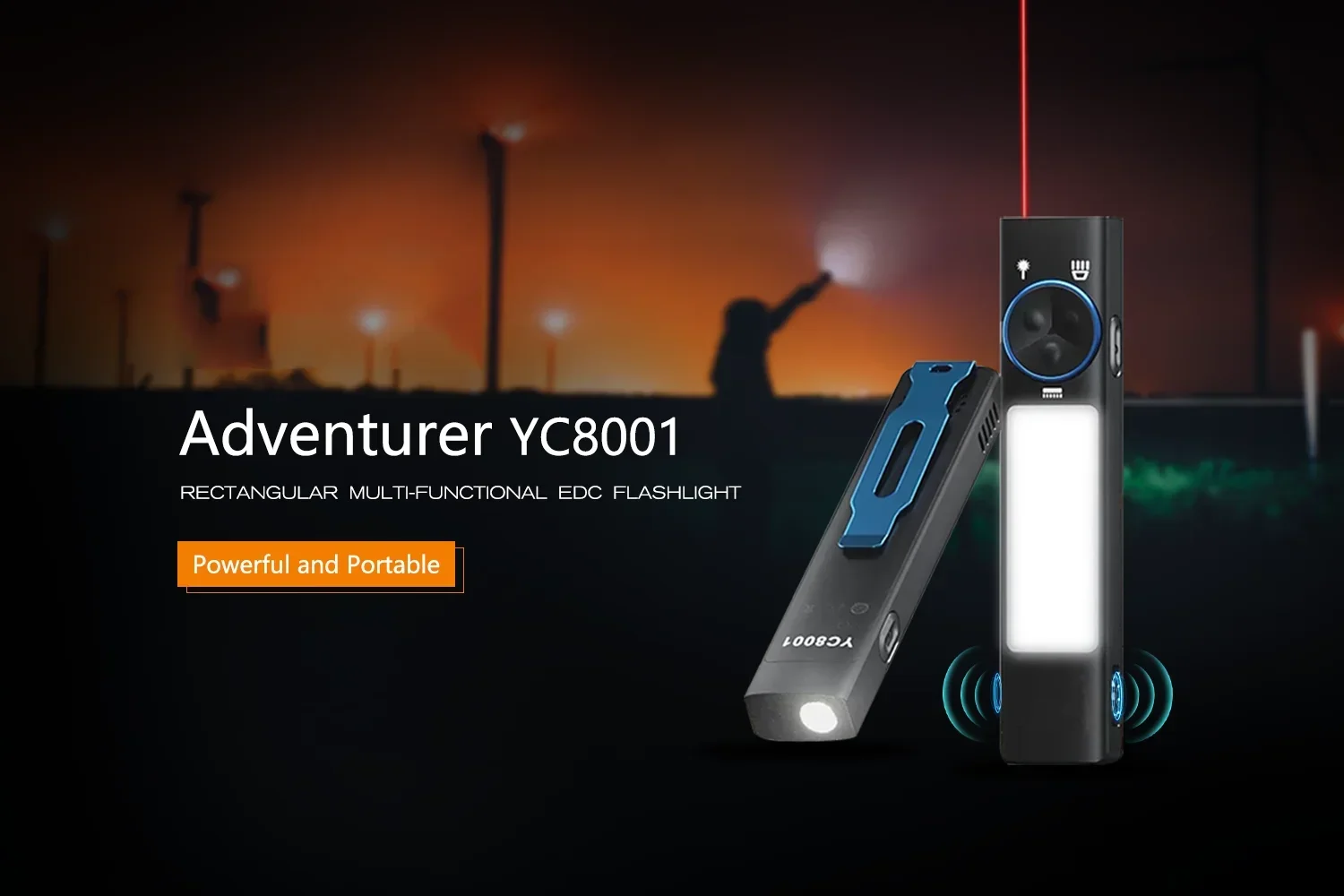
YC8001 Multifunctional Flat LED Flashlight Rechargeable EDC Torch with Tail Magnet Buzzer 365nm UV Light 3-mode Camping Lantern
YC8001 Multifunctional Flat LED Flashlight Rechargeable EDC Torch with Tail Magnet Buzzer 365nm UV Light 3-mode Camping Lantern

Couldn't load pickup availability
SPECIFICATIONS
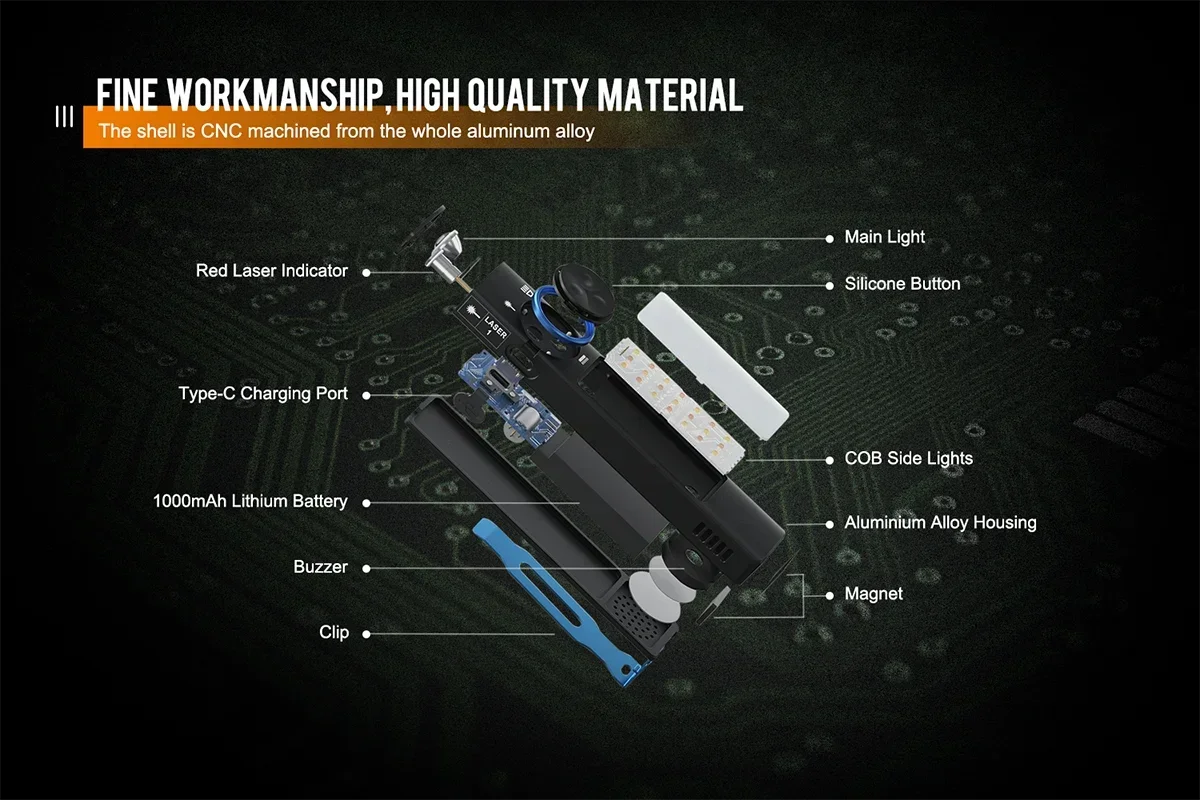
Body Material: Aluminum alloy
Brand Name: Keszoox
Certification: CCC,ce,FCC,GS,LVD,ROHS
Charger: Rechargeable
Choice: yes
Color: black
Focal Length: Non-adjustable
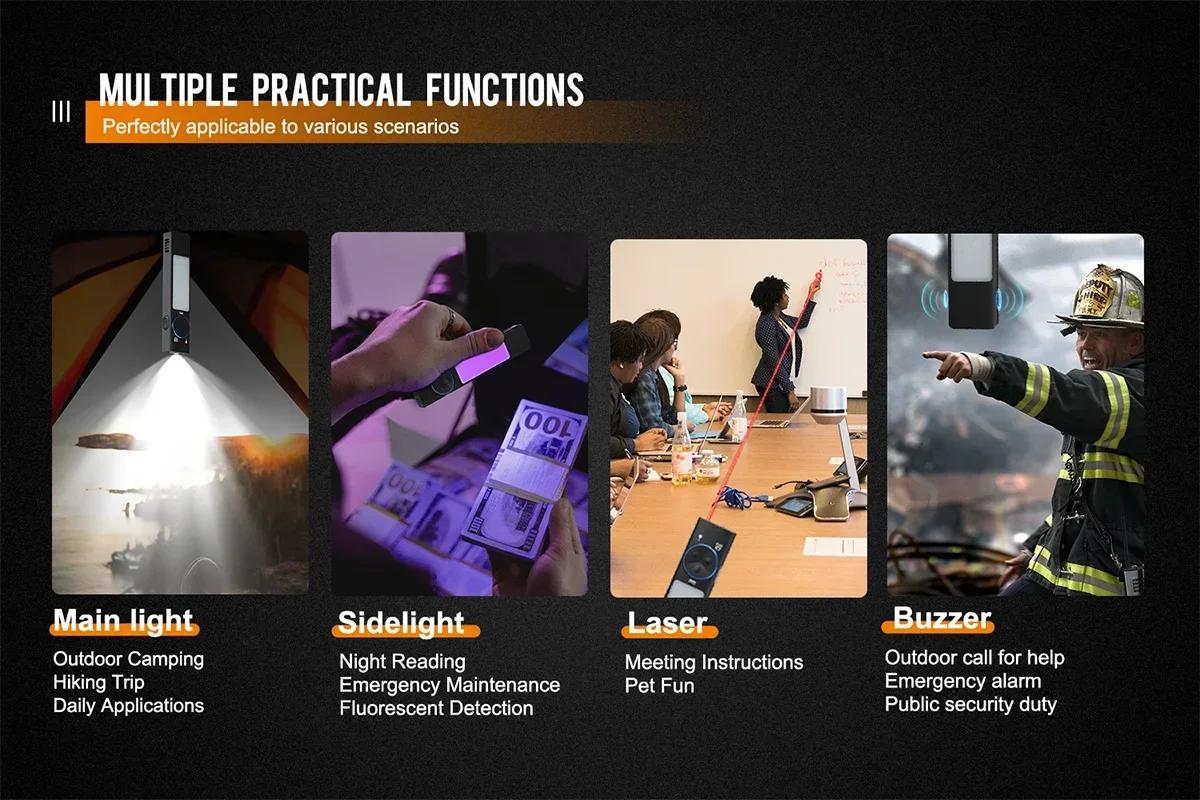
Function: UV,Hard Light
Item Type: FLASHLIGHTS
Light Source: LED bulbs
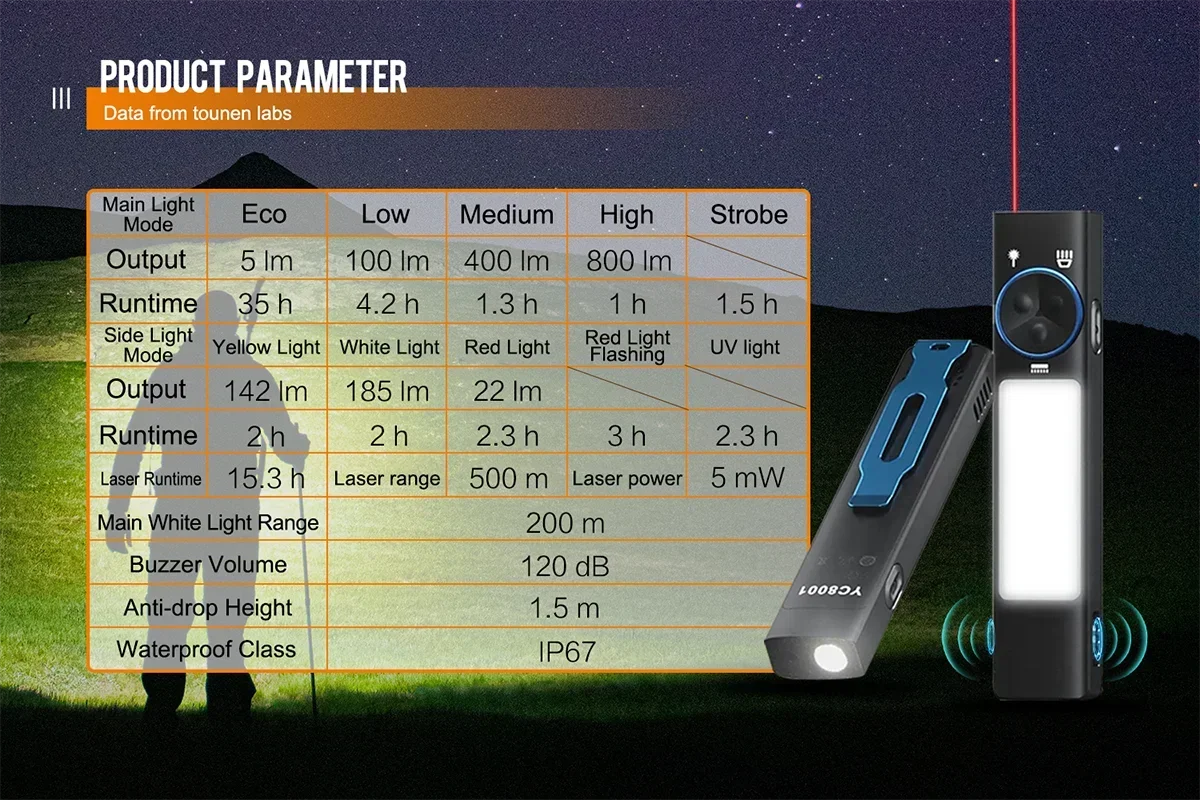
Lighting Distance: 200m
Lumen: 1000
Model Number: YC8001
Origin: Mainland China
Support Dimmer: > 8 Files
Switch Mode: High/Middle/Low
Waterproof: Yes
Zoom: No
Product Specifications:
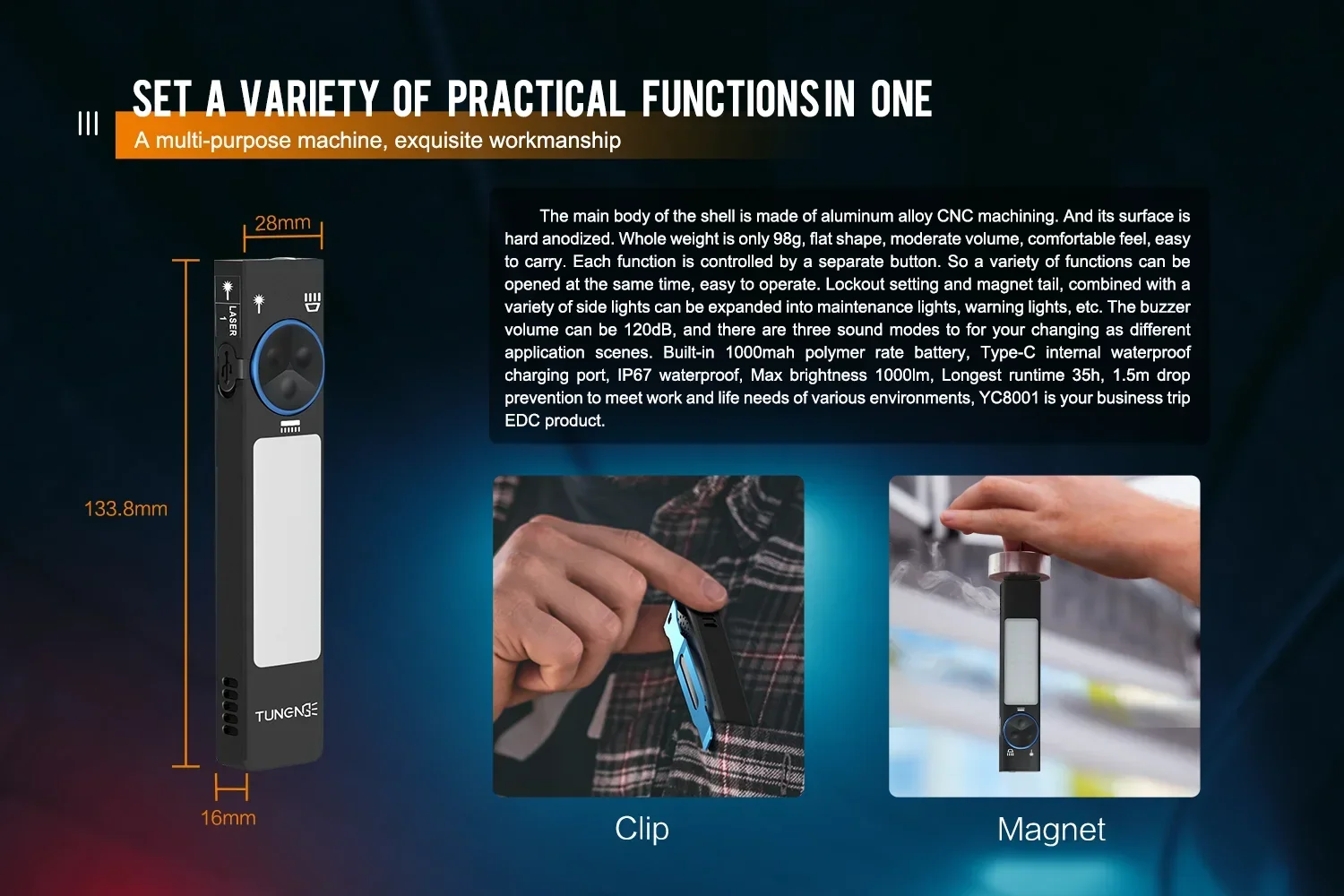
Size:133.8x28x16mm
Weight:98g
Shell Material:Aluminum Alloy
Shell Surface Treatment:Hard Anodizing
Battery Model: Polymer Lithium Bettery
Battery Capacity:1000 mAh
Input Voltage:5V
Input Current:1 A
Charging Time:1-3H
Overcharged Protection Voltage:4.2V
Over-discharge Protection Voltage:2.8V
Red light long-range Distance:500 m
Main Light Source:LH351D
Color Temperature:6000-6500K
Red light long-range Power:5mW
Buzzer Volume:120dB
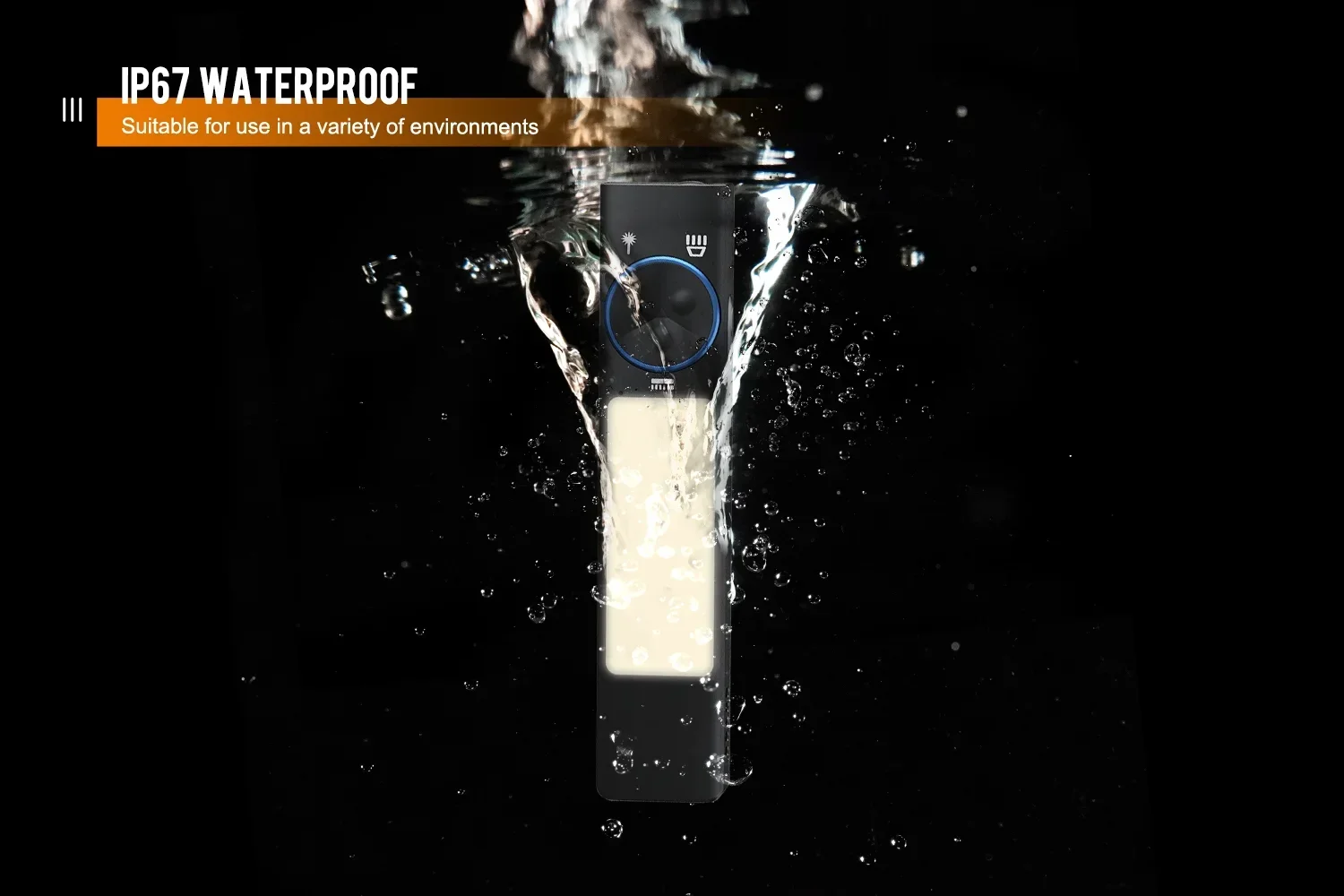
Waterproof:IP67
Drop Test:1.5 m
Operational Environment:-10-40°
1 * YC8001 Flashlight
1 * USB C charging cable
1 * User Manual
color box
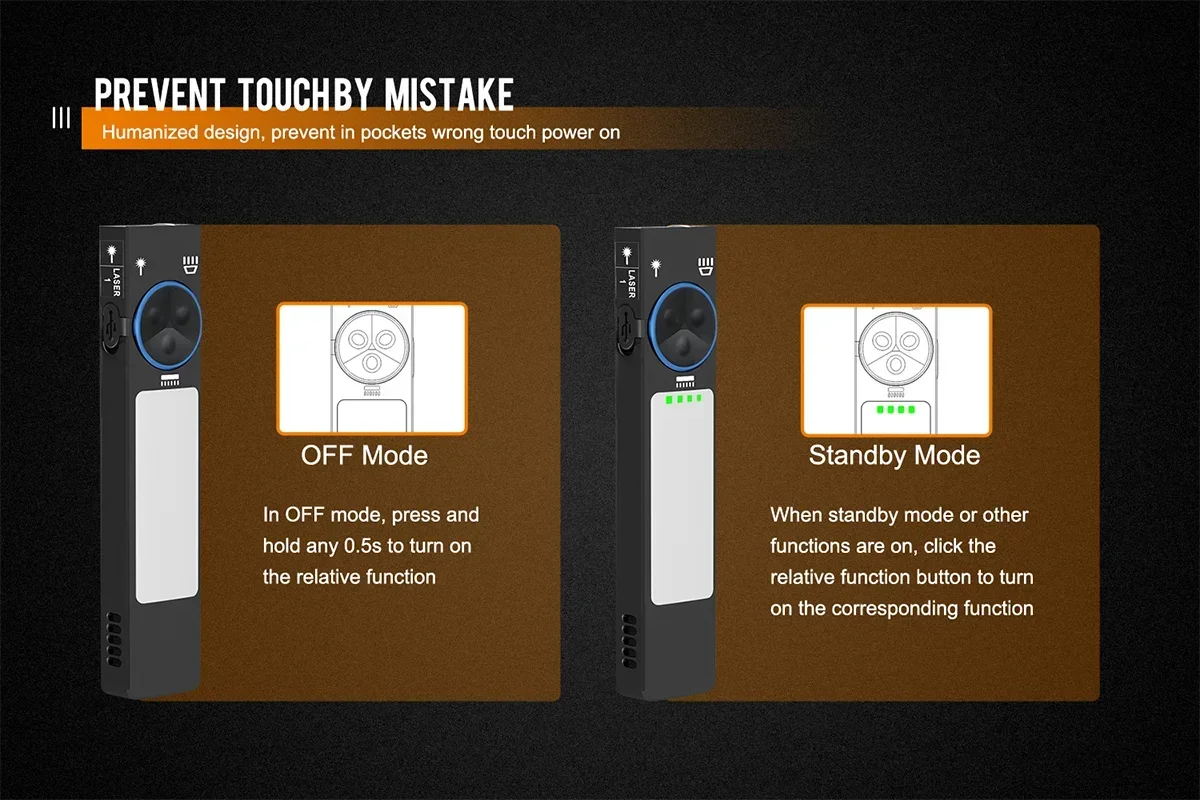
In off mode, press and hold Red light long-range button for 0.5s to turn it on (the indicator light is on), single click to turn off Red light long-range light (YC8001 enters standby mode), and if no other functions are turned on
within five minutes, YC8001 will
automatically be off.In standby mode or when other functions on, click Red light long-range light button to turn on the Red light long-range.
02 / Main White Light
in off mode, press and hold the main light button for 0.5s to turn on/off main white light (memory unction).in standby mode or when other unctions are on, click main light button to turn on main light (memory function) and long press to turn off.Main light modes selection:
click main light button to select the brightness modes in a cycle, Eco-Low-Medium-High-Strobe-SOS.
03 / Side Light
in oft mode, press and hold side(COB) light button for 0.5s to turn on/off side light (memory function).in standby mode or when other functions on, click side light button to turn on COB side light (memory function) and long press to turn off.Side light modes selection:
Click side(COB) light button to select the different modes in a cycle, Yellow light-White light-Red light-Red light flashing-UV.
04 / Buzzer alarm
Alarm mode:
Press and hold button for 0.5s in off mode to enter standby mode (the indicator light is constant on), then click button and the buzzer will sound the alarm, and click button again to turn off(If NO other functions are on within 5 minutes, it will automatically be off).In standby mode or other functions are on, click button to make alarm sound.
© Long press button in off mode, the indicator light is always on, and it enters standby mode.
) Double -click side light (COB) button, and the indicator light starts to flash.
3 Click the side light (COB) button, the
first grid indicator light flashing = first
mode / the second grid indicator light
flashing = second mode / the third grid
indicator blinking = third mode (single
click to select modes cyclely), double-click the side light (COB) button again to confirm the mode you want, the indicator light is constant on.
( Click the button, the buzzer will sound an alarm. The first mode (press and hold • button for alarm, release the button to stop the beep), the second mode (click the 6 button for four short regular beeps), the third mode (click the button and the buzzer will alarm sound, single click again to turn it off). Within 5 minutes in standby mode if no other functions are turned on, YC8001 will be turned off automatically.