Keszoox
ESP32-CAM WiFi Bluetooth Development Board — OV2640 2MP Camera, CH340 USB, Arduino IDE
ESP32-CAM WiFi Bluetooth Development Board OV2640 2MP Camera, CH340 USB, Arduino IDE

Couldn't load pickup availability
ESP32-CAM WiFi + Bluetooth Development Board — OV2640 2MP Camera, MicroSD, Arduino IDE
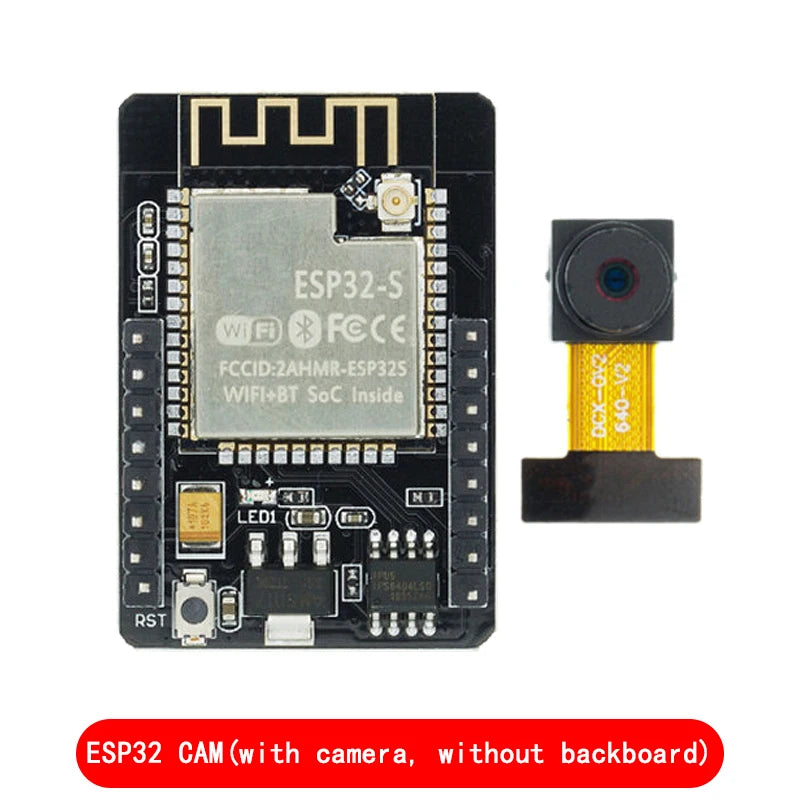
The ESP32-CAM combines an ESP32-S dual-core 240MHz SoC with an OV2640 2-megapixel camera, onboard MicroSD card slot, and integrated WiFi + Bluetooth in a compact module. It is the most popular platform for video streaming, face detection, motion detection, and AI vision projects using Arduino IDE or ESP-IDF.
Key Specifications
| Parameter | Value |
|---|---|
| SoC | ESP32-S (dual-core Xtensa LX6, 240MHz) |
| Camera | OV2640 (2MP, up to 1600×1200 UXGA) |
| WiFi | 802.11 b/g/n (2.4GHz) |
| Bluetooth | BT 4.2 + BLE |
| Flash Memory | 4MB SPI flash |
| PSRAM | 4MB (for frame buffer) |
| MicroSD Slot | Yes (SPI mode, up to 4GB) |
| GPIO Pins | 16 (shared with camera interface) |
| Supply Voltage | 5V DC (via USB or 5V pin) |
| Operating Temperature | −40°C to +85°C |
| Module Size | 27 × 40.5mm |
OV2640 Camera Resolutions
| Resolution | Pixels | Use Case |
|---|---|---|
| UXGA | 1600×1200 | Still photo capture |
| SVGA | 800×600 | Balanced streaming |
| VGA | 640×480 | Smooth video streaming |
| QVGA | 320×240 | Fast streaming, low bandwidth |
| CIF | 352×288 | Motion detection |
Why Choose ESP32-CAM?
- Integrated Camera + WiFi — Complete vision system in one module; no separate camera shield needed
- 4MB PSRAM — Dedicated frame buffer RAM enables UXGA resolution capture and MJPEG streaming
- MicroSD Slot — Record video frames or photos locally without network dependency
- Face Detection + Recognition — Espressif’s ESP-WHO framework provides on-device face detection
- Arduino IDE Compatible — CameraWebServer example provides instant WiFi video streaming
Typical Applications
- WiFi IP security camera (MJPEG streaming to browser)
- Face detection and recognition door lock
- Motion-triggered photo capture and email alert
- Time-lapse photography with MicroSD storage
- QR code and barcode scanner
- Baby monitor and pet camera
- Machine vision for object detection (TensorFlow Lite)
Getting Started (Arduino IDE)
Install ESP32 board package. Select board: AI Thinker ESP32-CAM. Open example: File → Examples → ESP32 → Camera → CameraWebServer. Set WiFi SSID/password. Upload via CH340 USB adapter (GPIO0 to GND during upload). Access stream at http://[ESP32-IP]/.
FAQ
Q: Does ESP32-CAM have a built-in USB port?
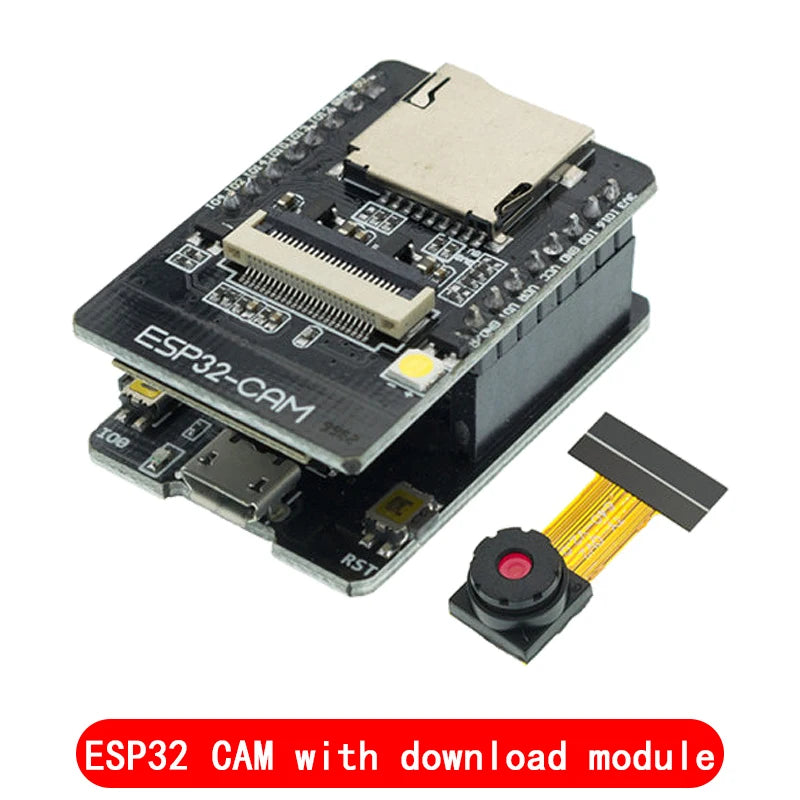
A: No — the base ESP32-CAM module has no USB. Use a CH340 USB-to-serial adapter or the bundled CH340 USB board (if included) for programming. Connect GPIO0 to GND to enter flash mode.
Q: What is the maximum streaming frame rate?
A: At VGA (640×480): ~25fps over WiFi. At UXGA (1600×1200): ~5fps. Frame rate depends on WiFi signal strength and network bandwidth.
Q: Can ESP32-CAM run TensorFlow Lite for object detection?
A: Yes — use ESP-WHO framework or TFLite Micro. The 4MB PSRAM enables running lightweight CNN models for face detection, digit recognition, and simple object classification.
Package Contents
- 1× ESP32-CAM Module (OV2640 camera pre-installed)
- CH340 USB programming board (if selected variant includes it)