



LCD1602 16×2 Character LCD Display with I2C Adapter — Blue Backlight
LCD1602 16×2 Character LCD Display with I2C Adapter Blue Backlight
Compatible JST cables for sensors and modules — secure & reliable. Shop now.

Couldn't load pickup availability
LCD1602 16×2 Character LCD Display with I2C Adapter — Blue Backlight
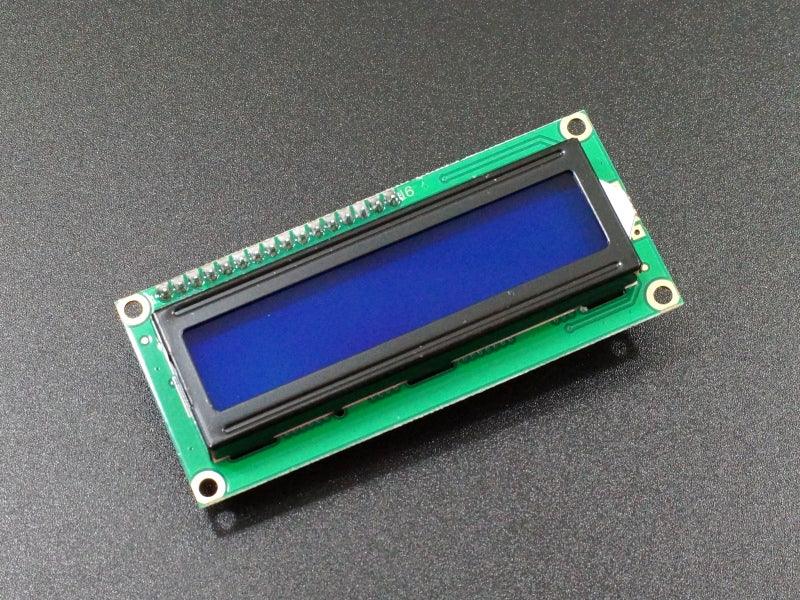
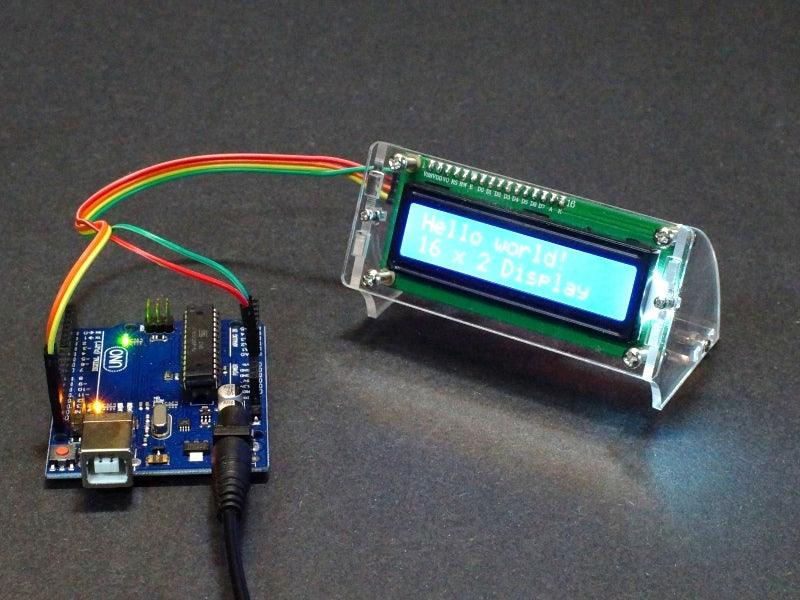
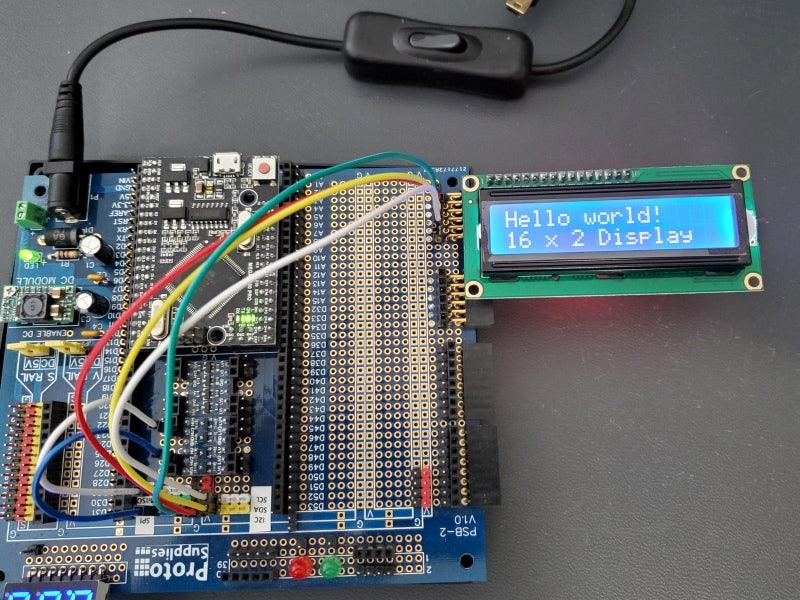
The LCD1602 with I2C adapter is the most popular text display for Arduino projects — a 16-character × 2-line HD44780 character LCD with a PCF8574 I2C backpack pre-soldered. Display text, numbers, and custom characters using only 2 wires (SDA + SCL) instead of the 6–8 wires required by a standard LCD. Blue backlight with white characters for excellent readability.
Key Specifications
- Display: 16 characters × 2 lines | Controller: HD44780
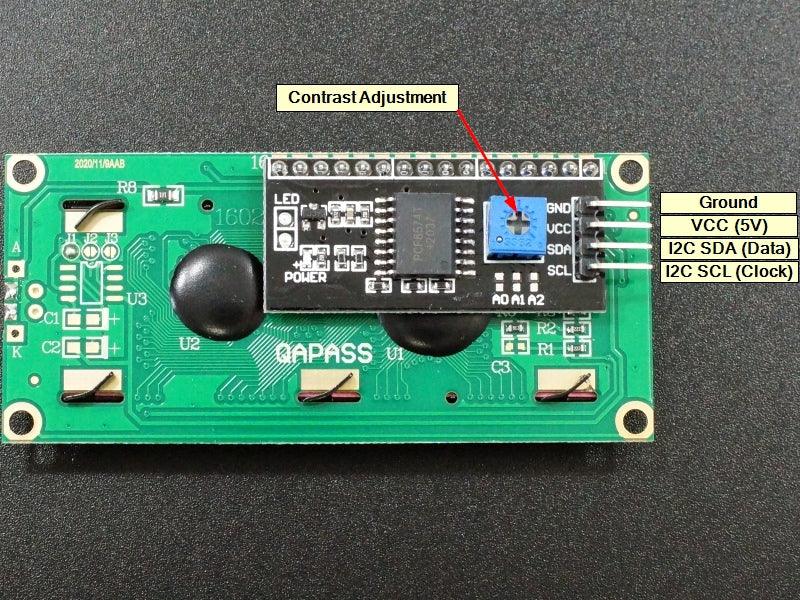
- Interface: I2C via PCF8574 | I2C address: 0x27 (default, adjustable)
- Supply: 3.3–5V | Backlight: Blue with white characters
- Contrast: Adjustable via on-board potentiometer
- Library: LiquidCrystal_I2C (Arduino)
- Compliance: RoHS compliant
Why I2C LCD?
- ✅ Only 2 wires — SDA + SCL vs 6–8 wires for standard LCD, freeing Arduino pins
- ✅ LiquidCrystal_I2C library — display text in 5 lines of Arduino code
- ✅ Adjustable I2C address — use up to 8 displays on one I2C bus
- ✅ Pre-soldered I2C backpack — ready to use, no soldering required
- ✅ Blue backlight — excellent readability in all lighting conditions
Typical Applications
- Arduino project status and data display
- Temperature, humidity, and sensor data readout
- Menu navigation display for Arduino projects
- Clock and timer display
- Serial monitor replacement for standalone projects

Blog posts
View all-

Best JST Connector Crimping Tools in 2026: Engi...
Choosing the wrong crimping tool ruins JST connectors and wastes wire. This guide compares the top crimping tools for JST SH, GH, PH, XH, and VH series — including Engineer...
Best JST Connector Crimping Tools in 2026: Engi...
Choosing the wrong crimping tool ruins JST connectors and wastes wire. This guide compares the top crimping tools for JST SH, GH, PH, XH, and VH series — including Engineer...
-

Molex KK 254 vs Mini-Fit Jr. vs Micro-Fit 3.0: ...
Choosing between Molex KK 254, Mini-Fit Jr., and Micro-Fit 3.0? This guide compares pitch, current rating, locking mechanism, wire gauge, and typical applications — with decision tables, part number references,...
Molex KK 254 vs Mini-Fit Jr. vs Micro-Fit 3.0: ...
Choosing between Molex KK 254, Mini-Fit Jr., and Micro-Fit 3.0? This guide compares pitch, current rating, locking mechanism, wire gauge, and typical applications — with decision tables, part number references,...
-

DuPont Connector vs JST PH 2.0: Pinout, Specs &...
Not sure whether to use a DuPont 2.54mm or JST PH 2.0mm connector? This guide compares pitch, locking mechanism, current rating, pinout, and best use cases — so you can...
DuPont Connector vs JST PH 2.0: Pinout, Specs &...
Not sure whether to use a DuPont 2.54mm or JST PH 2.0mm connector? This guide compares pitch, locking mechanism, current rating, pinout, and best use cases — so you can...


