



LCD1602 Keypad Shield for Arduino Uno — 16×2 Blue LCD + 6 Buttons
LCD1602 Keypad Shield for Arduino Uno 16×2 Blue LCD + 6 Buttons
Compatible JST cables for sensors and modules — secure & reliable. Shop now.

Couldn't load pickup availability
LCD1602 Keypad Shield for Arduino Uno — 16×2 Blue LCD + 6 Buttons
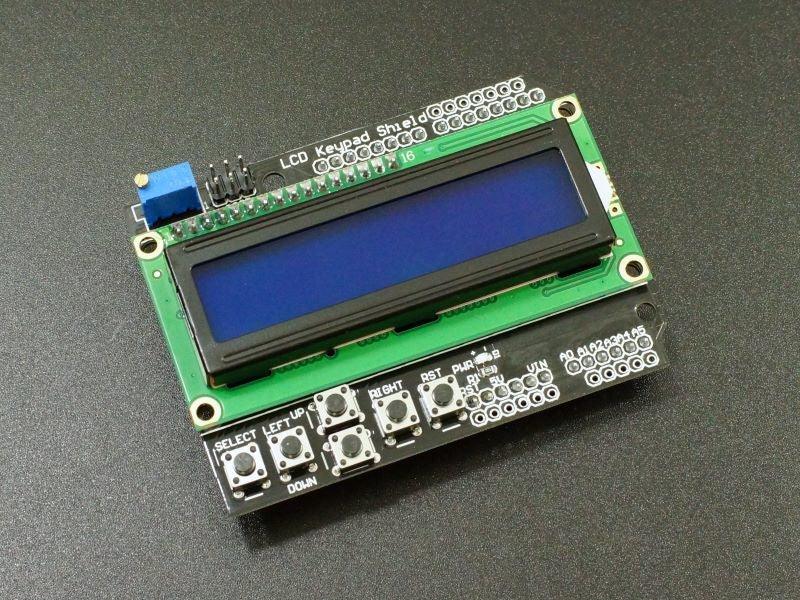
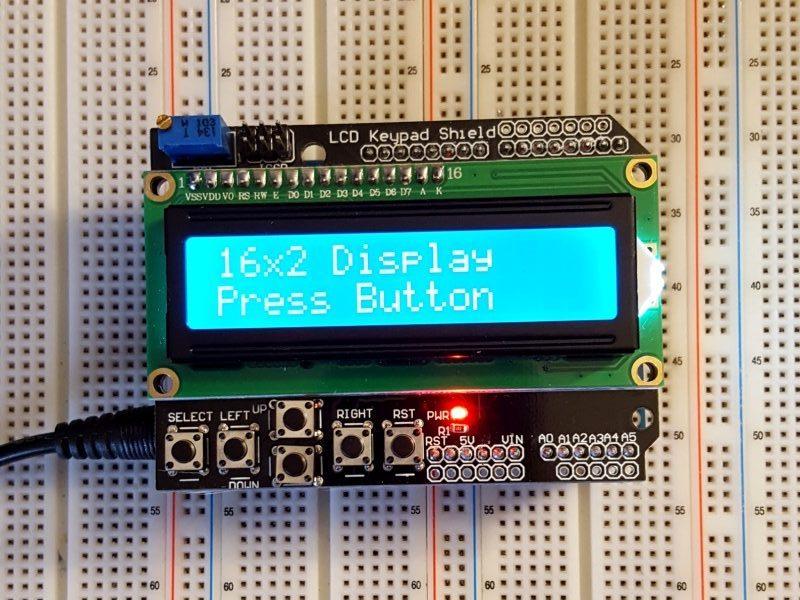
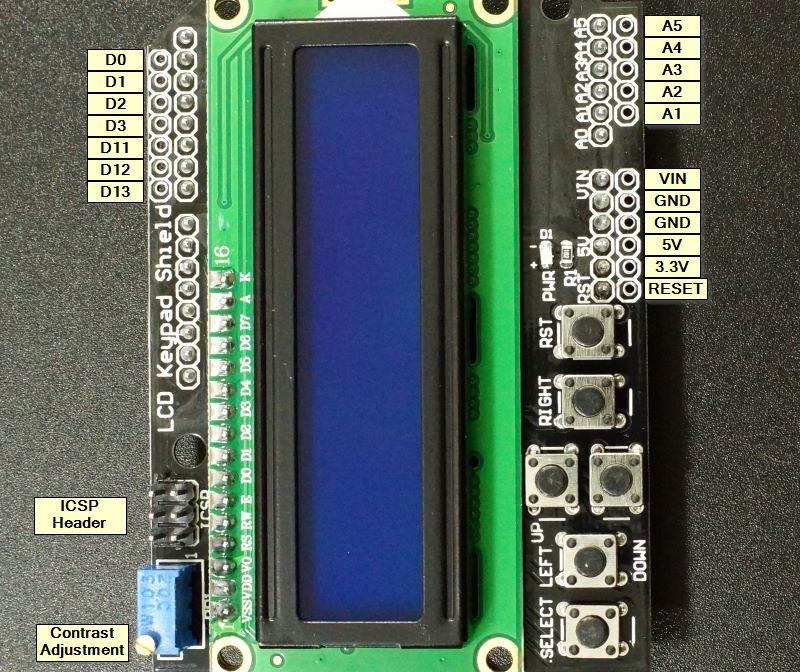
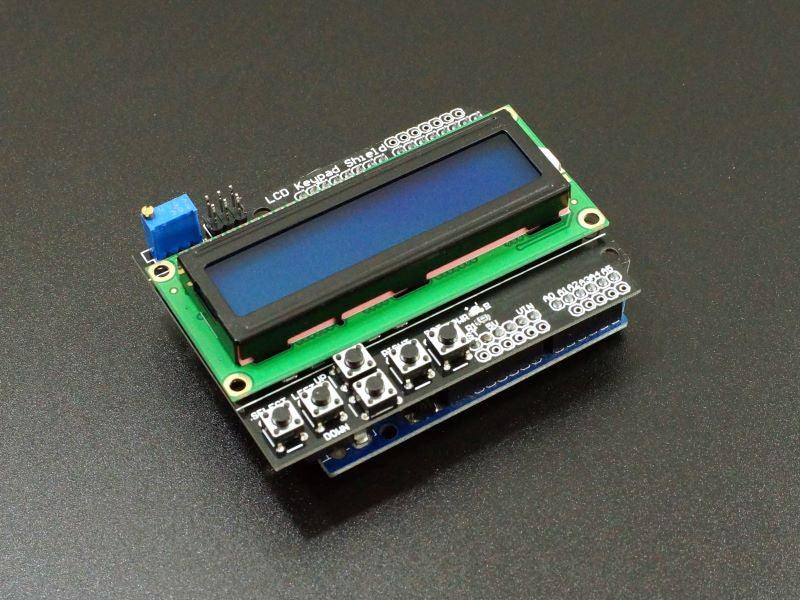
The LCD1602 Keypad Shield is a plug-and-play Arduino Uno shield combining a 16×2 blue LCD display and 6 navigation buttons (Select, Up, Down, Left, Right, Reset) on a single PCB. Stack directly onto an Arduino Uno — no wiring required. The shield uses a resistor ladder on a single analog pin (A0) to read all 5 navigation buttons, leaving most Arduino pins free for sensors and actuators. The most popular shield for Arduino menu systems and user interfaces.
Key Specifications
- Display: 16 characters × 2 lines (HD44780) | Backlight: Blue
- Buttons: 6 (Select / Up / Down / Left / Right / Reset)
- Button interface: Resistor ladder on A0 (single analog pin)
- LCD interface: 4-bit parallel (D4–D7, RS, EN)
- Compatibility: Arduino Uno / Mega (standard shield footprint)
- Library: LiquidCrystal + analogRead(A0) for buttons
- Compliance: RoHS compliant
Why LCD Keypad Shield?
- ✅ Plug-and-play — stack on Arduino Uno, no wiring required
- ✅ 6 buttons on 1 analog pin — resistor ladder reads all buttons via A0
- ✅ Complete UI solution — display + navigation in one shield
- ✅ Most pins free — only 6 digital + 1 analog pin used, rest available
Button Reading (Arduino)
int val = analogRead(A0);
if (val < 50)   button = "RIGHT";
else if (val < 195) button = "UP";
else if (val < 380) button = "DOWN";
else if (val < 555) button = "LEFT";
else if (val < 790) button = "SELECT";
Typical Applications
- Arduino menu system with navigation buttons
- Settings and configuration interface
- Data logger with display and navigation
- Arduino game with LCD display
- Electronics education Arduino UI project

Blog posts
View all-

IC Chips & Discrete Components Express Shipping...
Shipping IC chips and discrete electronic components internationally requires more than choosing a carrier. ESD-safe packaging, correct HS codes, accurate customs declarations, and carrier selection for your destination all determine...
IC Chips & Discrete Components Express Shipping...
Shipping IC chips and discrete electronic components internationally requires more than choosing a carrier. ESD-safe packaging, correct HS codes, accurate customs declarations, and carrier selection for your destination all determine...
-

From Prototype to Mass Production — How to Scal...
Scaling from prototype to mass production is the most critical transition in a hardware product's lifecycle. The sourcing strategy that works for 10 prototype boards — cut tape, spot pricing,...
From Prototype to Mass Production — How to Scal...
Scaling from prototype to mass production is the most critical transition in a hardware product's lifecycle. The sourcing strategy that works for 10 prototype boards — cut tape, spot pricing,...
-

ISO 9001 Electronic Component Distributor — Wha...
ISO 9001:2015 certification is the most widely recognized quality management standard in the world — but what does it actually mean when an electronic component distributor claims to be ISO...
ISO 9001 Electronic Component Distributor — Wha...
ISO 9001:2015 certification is the most widely recognized quality management standard in the world — but what does it actually mean when an electronic component distributor claims to be ISO...


