Keszoox
10-Segment Multicolor LED Bar Graph Display Module — Red/Yellow/Green/Blue, Arduino
10-Segment Multicolor LED Bar Graph Display Module Red/Yellow/Green/Blue, Arduino

Couldn't load pickup availability
10-Segment Multicolor LED Bar Graph Display Module — Red / Yellow / Green / Blue
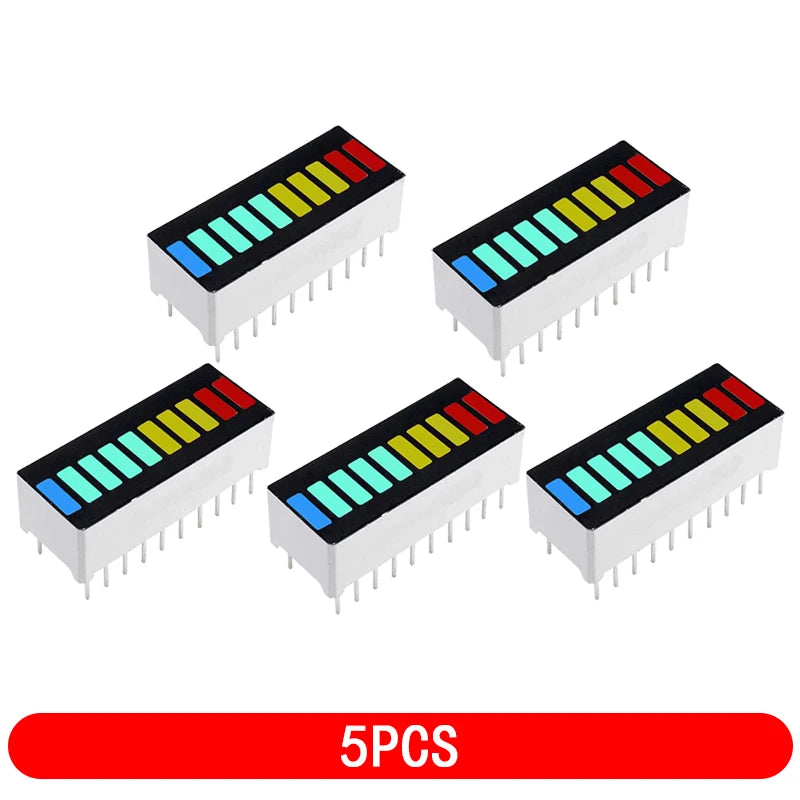
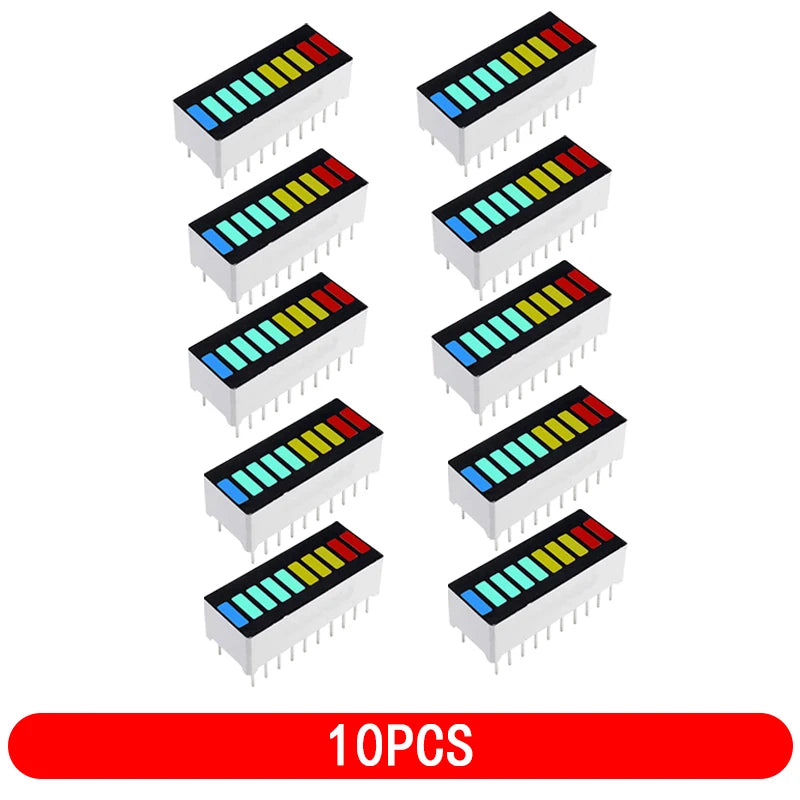
This 10-segment LED bar graph display provides a compact, high-visibility visual indicator with 10 individual LEDs in a single inline package. Available in multicolor configurations (Red/Yellow/Green/Blue), it is the standard component for VU meters, battery level indicators, signal strength displays, and any application requiring a segmented bar-style visual output with Arduino or any microcontroller.
Key Specifications
| Parameter | Value |
|---|---|
| Number of Segments | 10 (individually addressable) |
| LED Colors | Red, Yellow, Green, Blue (multicolor mix) |
| Forward Voltage (VF) | ~2.0V (Red/Yellow) / ~3.0V (Green/Blue) |
| Max Forward Current (IF) | 20mA per segment |
| Pin Pitch | 2.54mm (standard through-hole) |
| Package | SIP-20 (10 anode + 10 cathode pins) |
| Viewing Angle | ~120° |
| Operating Temperature | -40°C to +85°C |
Pin Configuration
| Pins | Function |
|---|---|
| Pins 1–10 (one side) | Anode (+) for segments 1–10 |
| Pins 11–20 (other side) | Cathode (−) for segments 1–10 |
Current Limiting Resistors
| Color | VF | Resistor @ 5V, 10mA | Resistor @ 3.3V, 10mA |
|---|---|---|---|
| Red / Yellow | 2.0V | 300Ω (use 330Ω) | 130Ω (use 150Ω) |
| Green / Blue | 3.0V | 200Ω (use 220Ω) | 30Ω (use 33Ω) |
Why Choose This LED Bar Display?
- 10 Independent Segments — Each LED individually controlled for precise level indication
- Multicolor — Red/Yellow/Green/Blue color zones provide intuitive visual feedback (e.g., green=safe, red=danger)
- 2.54mm Pitch — Breadboard and PCB compatible; standard through-hole footprint
- High Brightness — Visible in ambient light for panel-mount indicator applications
- Arduino Compatible — Drive directly from GPIO with current-limiting resistors
Typical Applications
- Audio VU meter (volume unit level display)
- Battery charge level indicator (0–10 segments = 0–100%)
- WiFi/signal strength bar display
- Temperature or sensor value bar graph
- Progress indicator for loading or process completion
- LM3914/LM3915 dot/bar display driver output
Arduino Example (LM3914 Driver)
For automatic analog-to-bar conversion, use LM3914 (linear) or LM3915 (logarithmic/dB) driver IC. Connect analog input to LM3914 IN pin; outputs Q1–Q10 drive LED bar segments directly. No MCU code required for basic VU meter.
FAQ
Q: Can I drive this LED bar directly from Arduino GPIO?
A: Yes — connect each anode to an Arduino GPIO pin via a 330Ω resistor (for red/yellow) or 220Ω (for green/blue). Connect all cathodes to GND. Use digitalWrite(pin, HIGH) to light each segment.
Q: How do I make a VU meter with this bar display?
A: Use LM3914 (linear scale) or LM3915 (logarithmic, better for audio dB). Connect audio signal to IN pin, adjust RHI/RLO for full-scale range. Alternatively, use Arduino analogRead() + map() to control segments via GPIO.
Package Contents
- 1× 10-Segment Multicolor LED Bar Graph Display